5. Build apps visually (App Builder)
App Builder uses a three-pane designer to assemble business pages; components bind directly to ontology objects — no hand-written APIs.
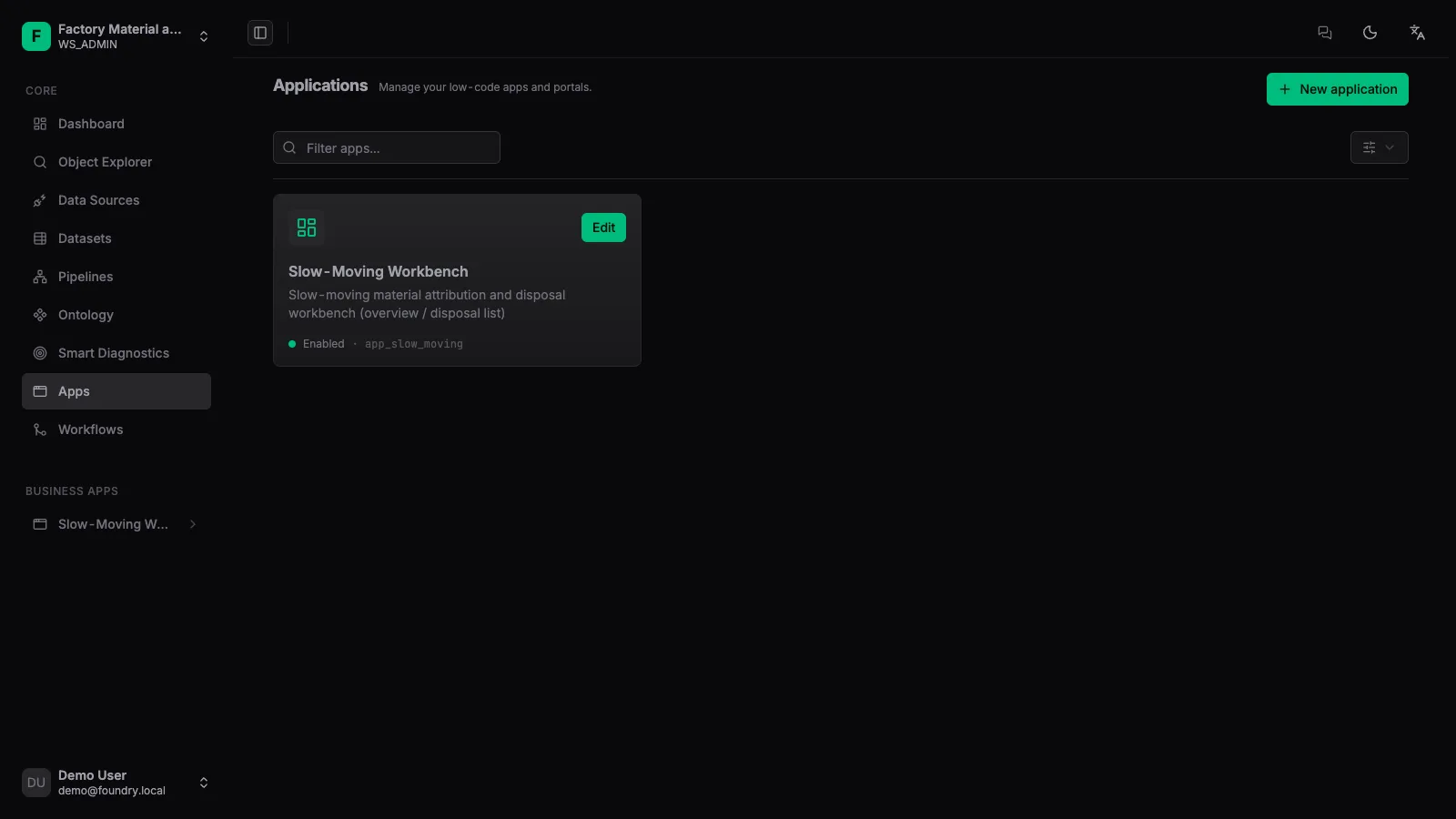
1. Create an app
Create a new app in [Apps] and choose its home page and routes.
2. Drag components
From the component palette on the left, drag tables, charts and metric cards onto the canvas; fine-tune styling in the properties panel on the right.
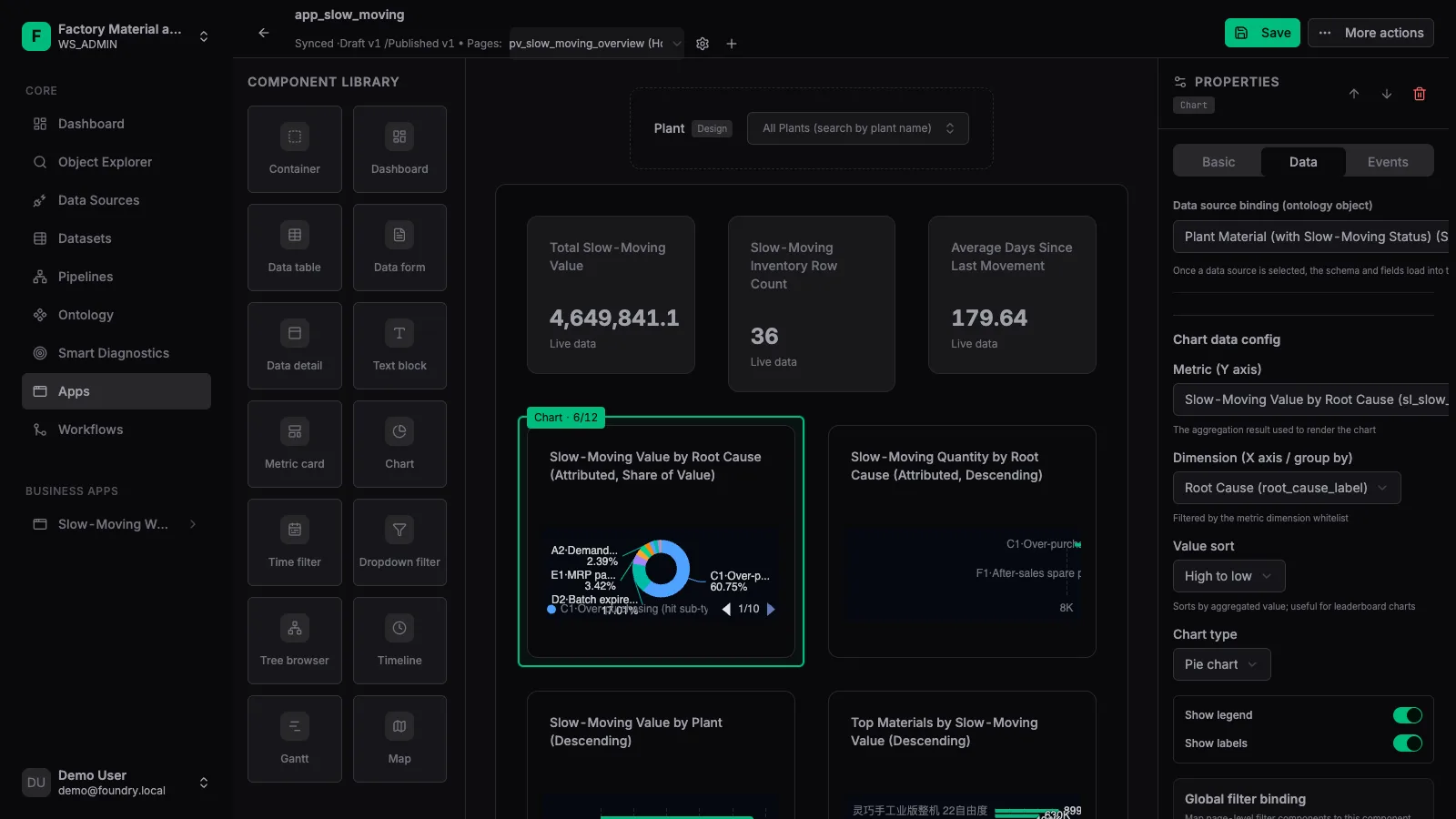
3. Bind data
Select a component, switch to [Data], then pick the ontology object, metrics, dimensions and sorting.
4. Publish & view at runtime
Save the draft, click [Publish], and access the final page through /apps/{appId}/runtime.
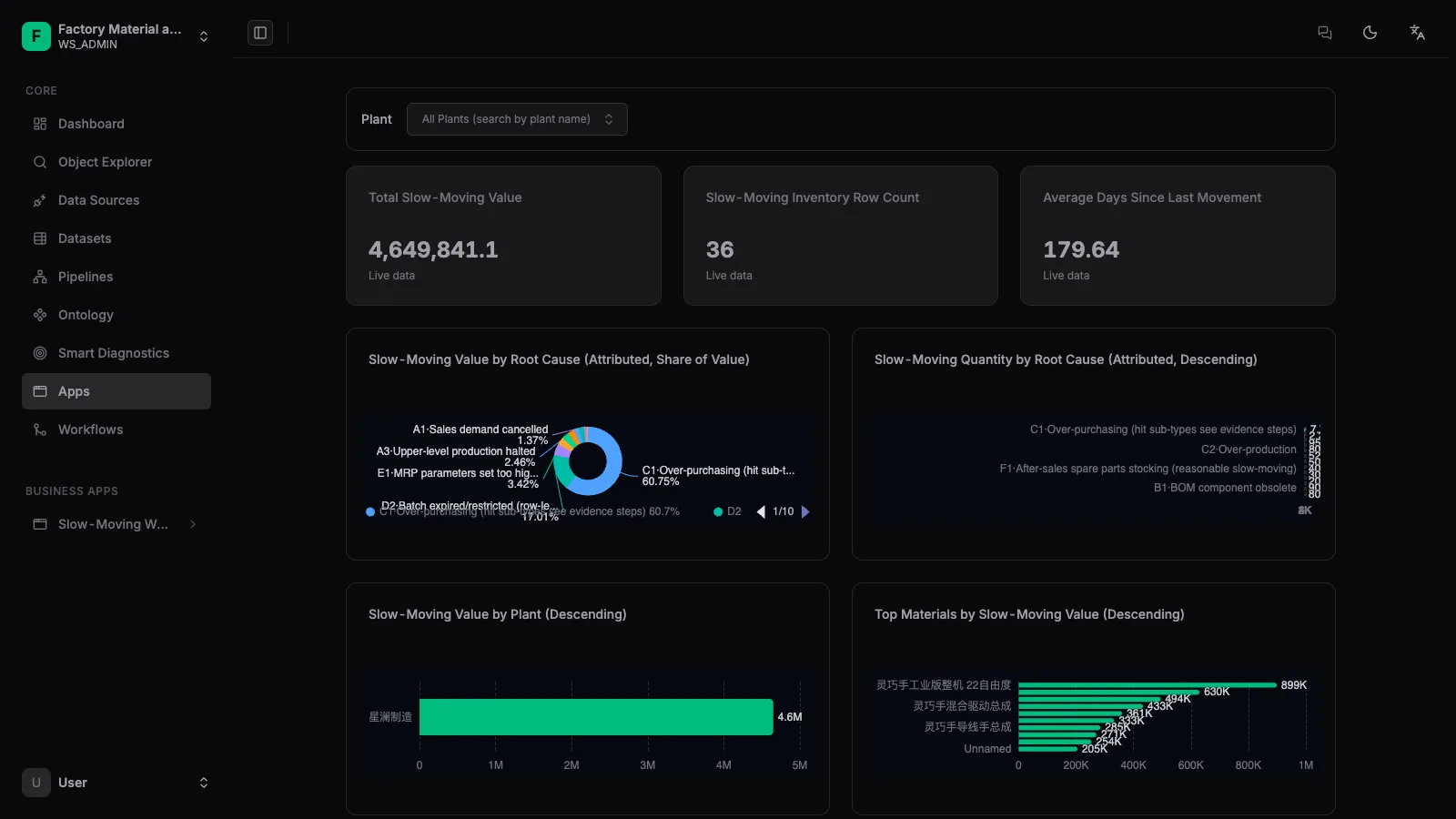
Published apps can be added by administrators to the global left-side navigation, directly extending the platform’s own menu entries.