3. Pipelines
A pipeline uses a DAG to chain inputs, filters, joins, aggregations and outputs into one reproducible data path.
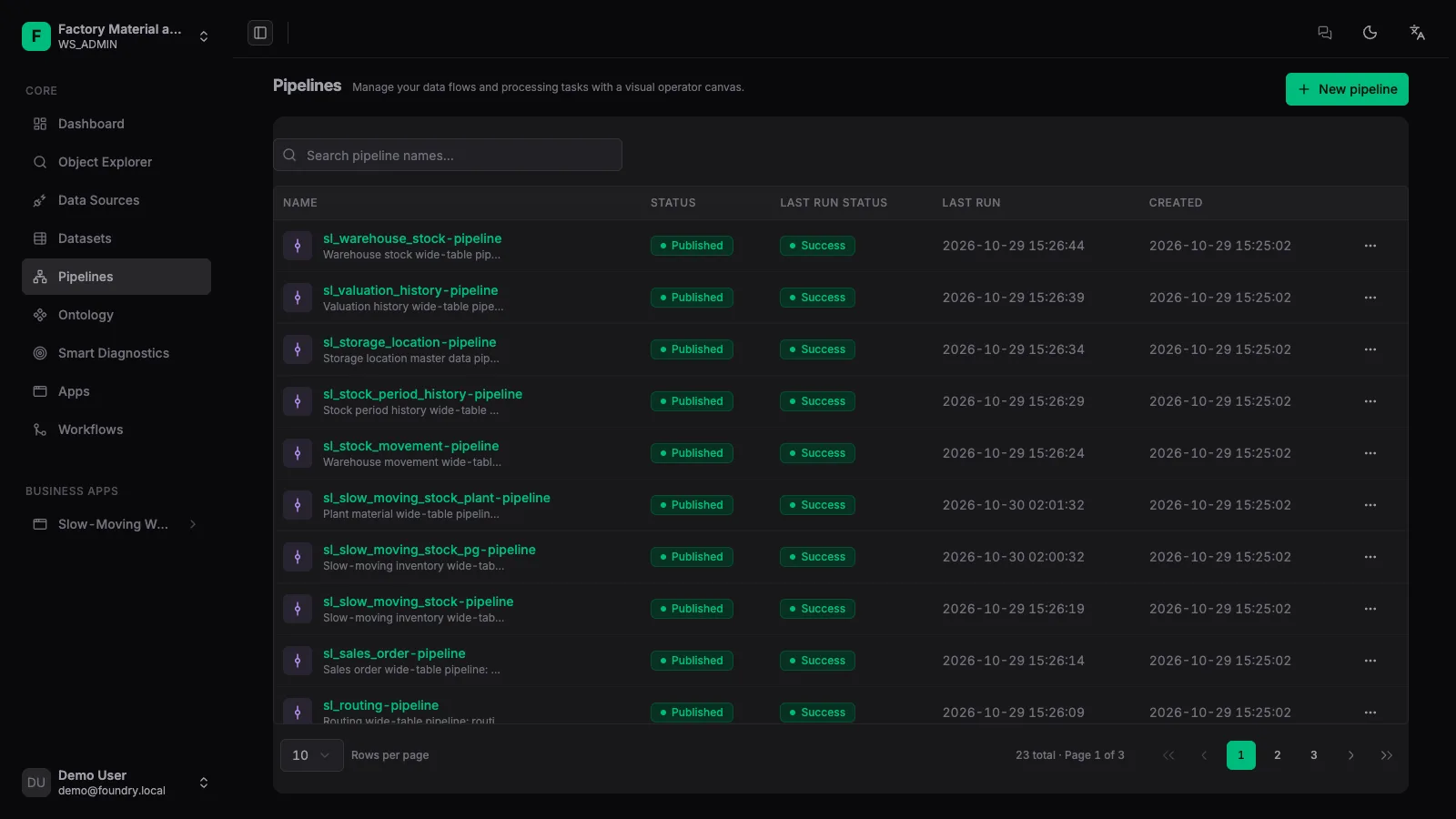
1. Create a pipeline
Open [Pipelines] in the left navigation, create a new pipeline, and switch to the orchestration canvas.
2. Arrange the DAG
Add input nodes, then filters, joins, aggregates and projections as needed, finally connecting the output node.
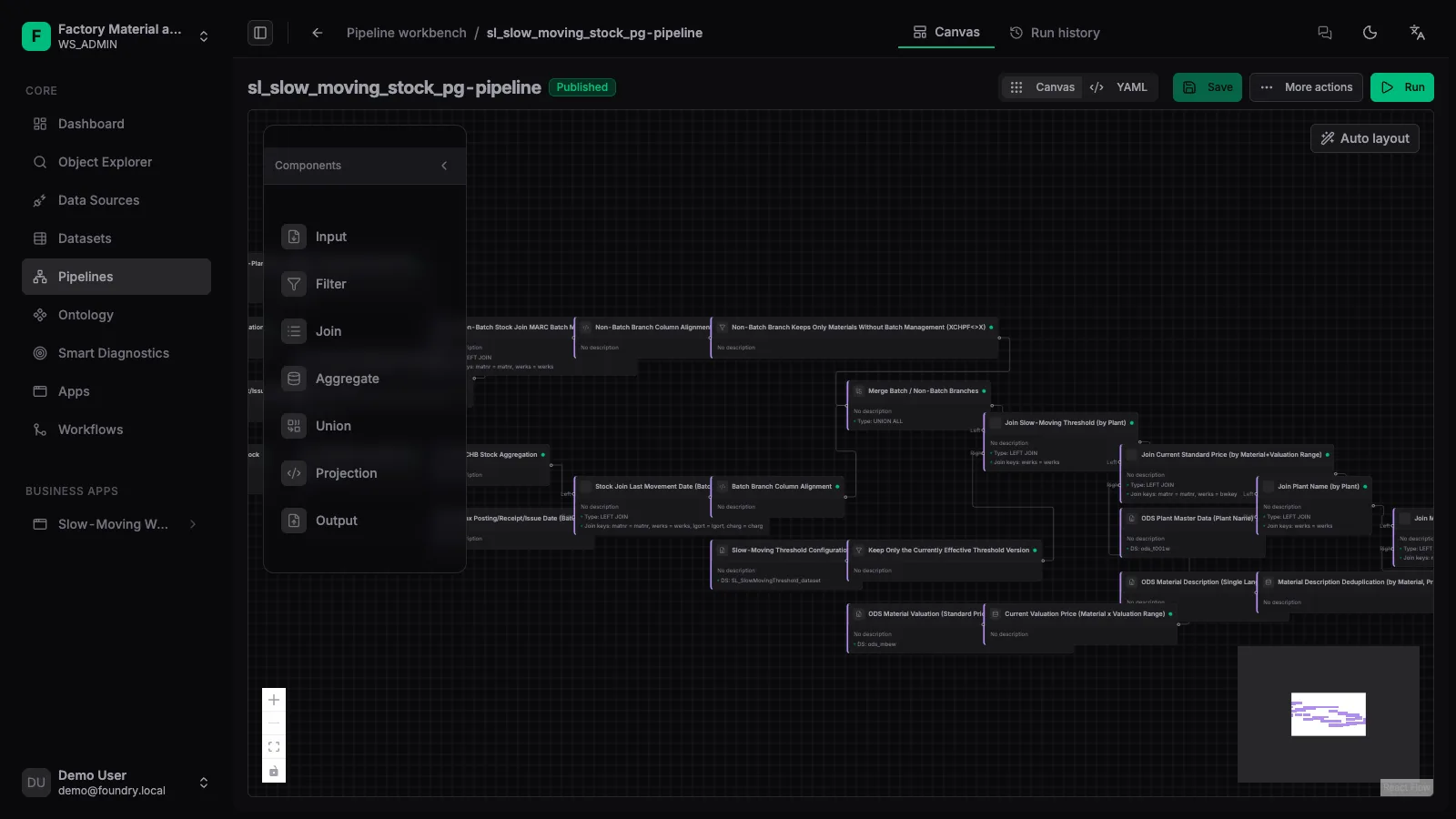
3. Run the pipeline
After saving, click [Run]. The platform executes in dependency order and writes results into the derived dataset.
4. Inspect run history
Check status, duration and errors in the run history; failures can be fixed and re-run.
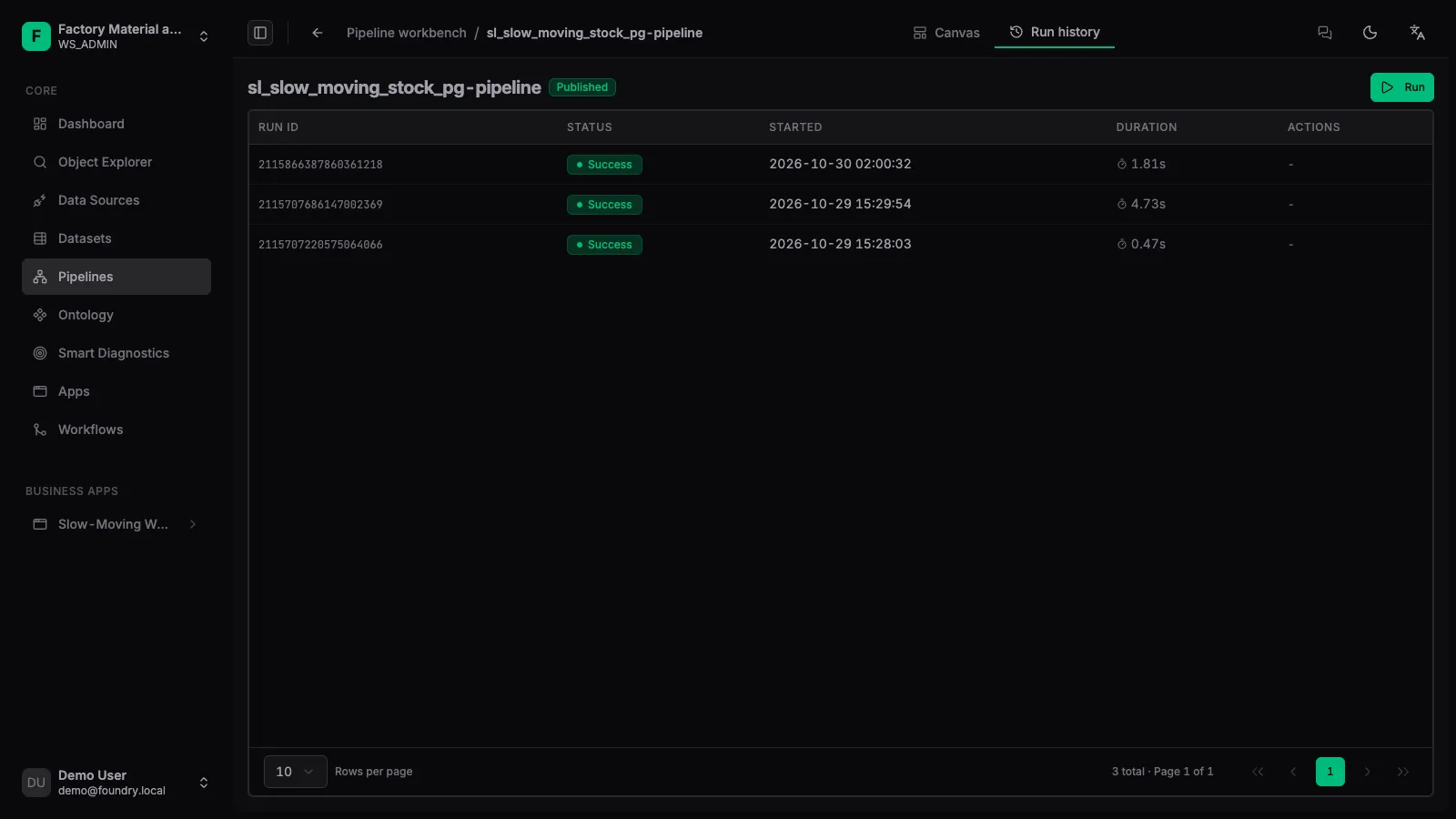
Every successful run advances the output dataset’s version. Downstream ontology objects and apps read the latest version; previous versions remain available for backtracking.